
In brief
As of September 2026 · everything below is cleared for publication
BookSafe is a book manager for iPhone, iPad and Apple Watch: scan books by ISBN, track your reading, keep a wishlist, stay on top of series. What sets it apart from Goodreads and StoryGraph: no account, no tracking, no third-party servers. Data lives on the device and syncs only through the user's own private iCloud.
Built by a family in southern Germany — the father writes the code, the mother proofreads every line, their daughter makes sure the series are right. Particular care goes into German book metadata (Deutsche Nationalbibliothek). Free for up to 50 books, then a one-time €3.99 — no subscription.
Key facts
| Name | BookSafe |
|---|---|
| Tagline | “Your library belongs to you.” |
| Category | Books (secondary: Productivity) |
| Platform | iPhone and iPad from iOS 18.0, Apple Watch from watchOS 11.0 |
| Languages | German and English (follows the device language) |
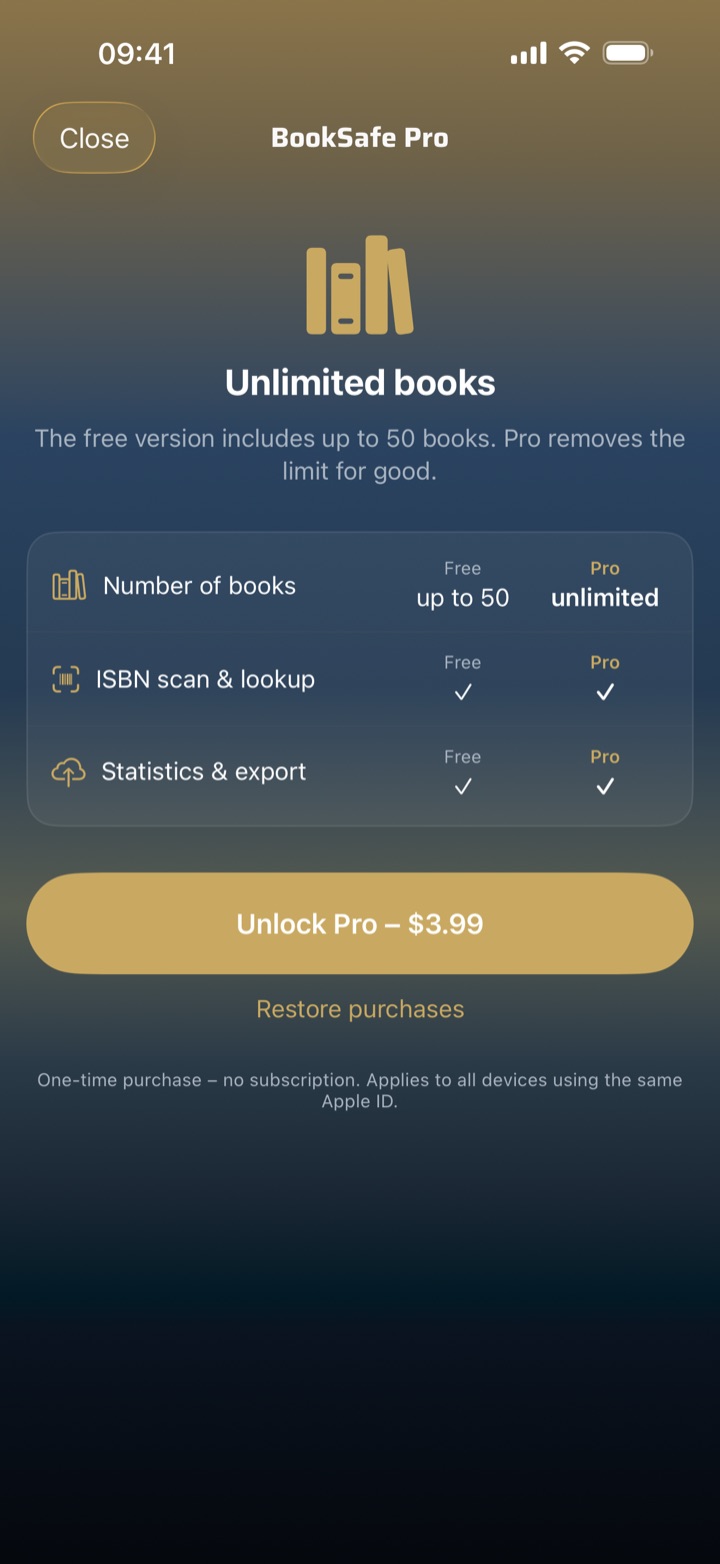
| Price | Free for up to 50 books — with every feature. “BookSafe Pro” lifts the limit: €3.99, one-time purchase, no subscription |
| Age rating | 4+ |
| Version | 1.8 (on the App Store since 17 October 2026) · first released as 1.0 on 6 August 2026 |
| App Store | apps.apple.com/app/booksafe |
| Developer | Sisofa — a family in southern Germany; not a company, no investors |
| Press contact | kontakt@sisofa.de |
Six core features
- Your library belongs to you. No account, no tracking, no third-party servers. Everything lives on the device and syncs only to the user's own private iCloud — the app works offline, too. There is no analytics SDK, no ad network, no third-party frameworks — and no BookSafe servers. And because the library is yours, it can be saved as a single file and restored on a new device — restoring only fills gaps and never overwrites anything.
- Series that finally add up. BookSafe identifies book series and volume numbers from several library catalogues — including the German National Library — and groups them automatically, special volumes such as “book 8.5” included. Missing volumes are visible at a glance and can be added in the edition you prefer.
- Add books in seconds. Scan an ISBN with the camera — the barcode, or the printed number itself when the barcode is damaged, covered or missing. Title, author, cover, publisher, genre and release date arrive automatically. Duplicates are caught before they reach the library, and CSV import handles Goodreads exports.
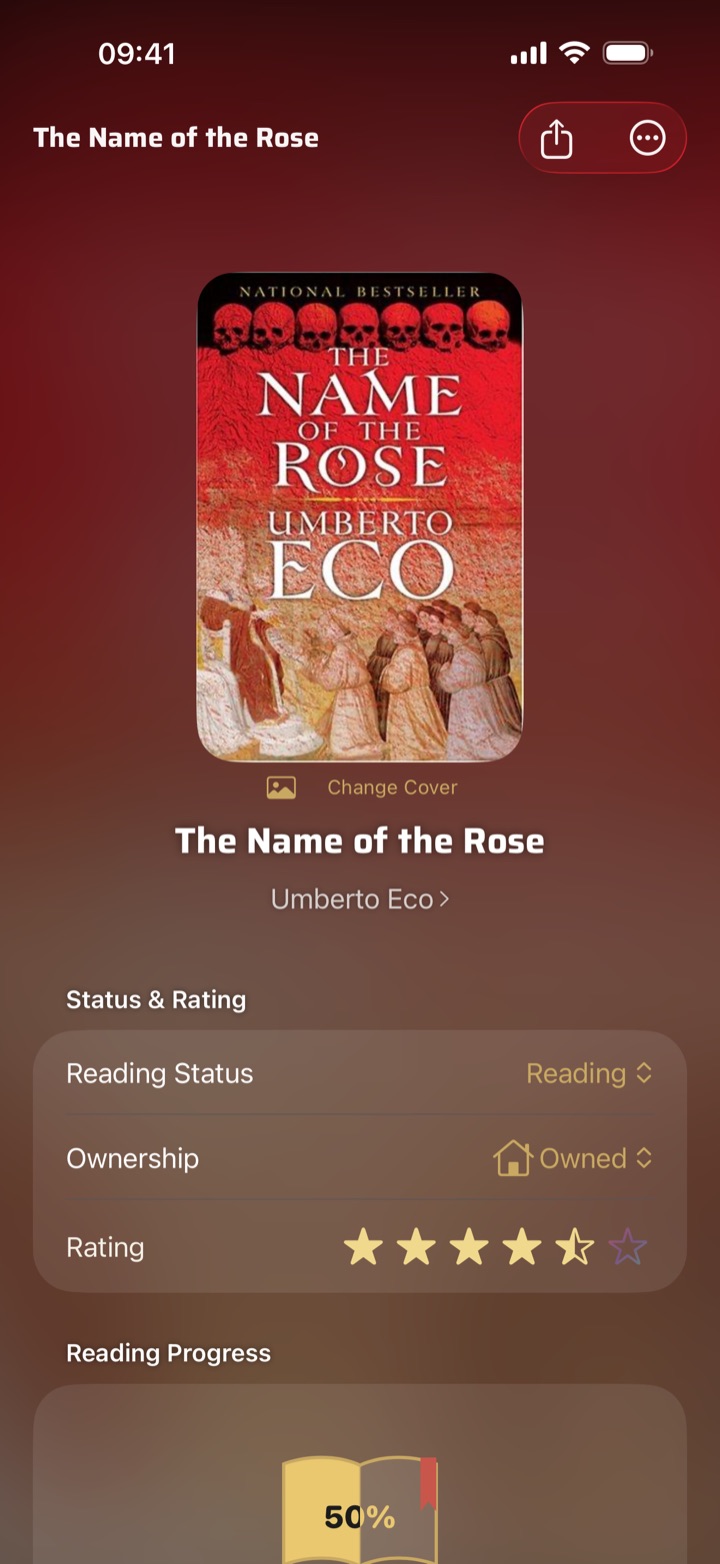
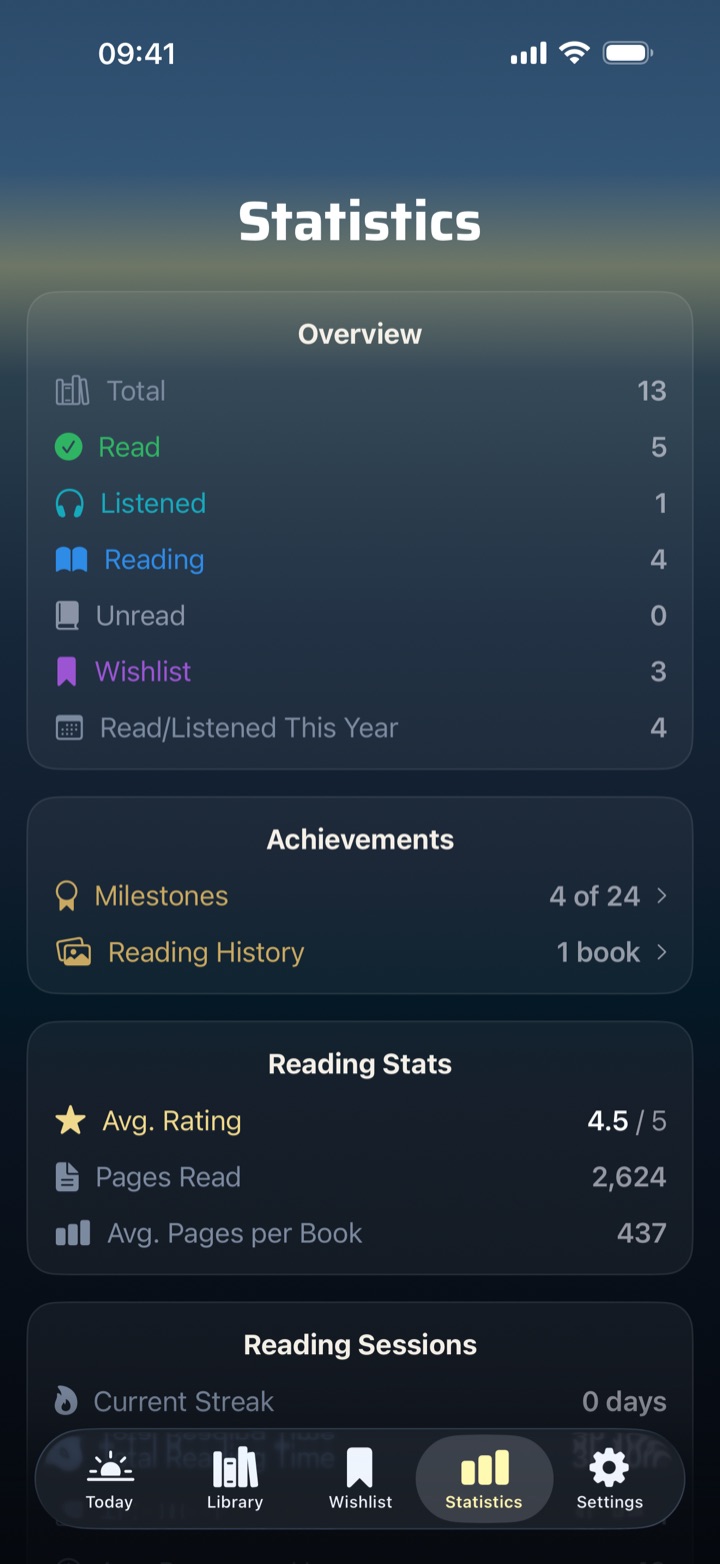
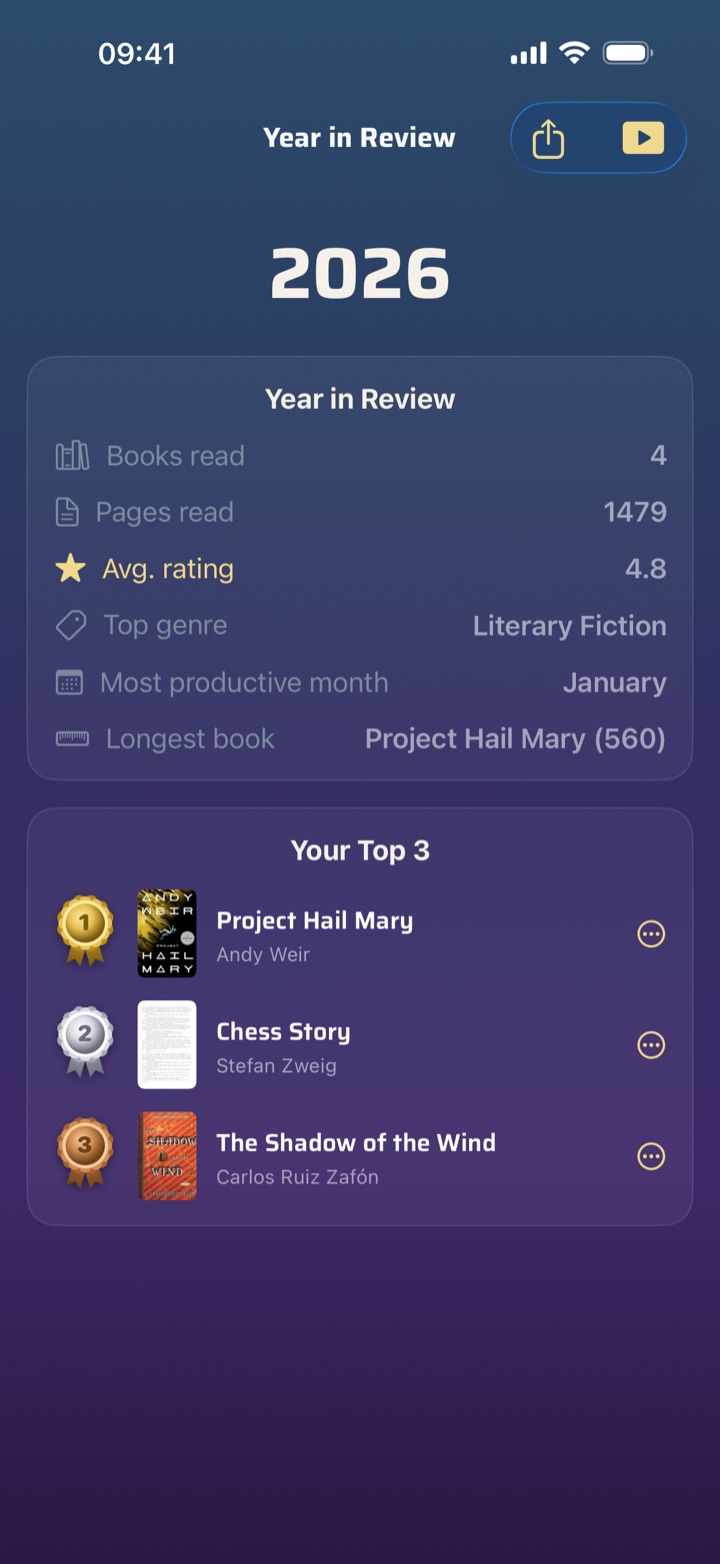
- From reading day to reading year. A “Today” daily page with a quote of the day and yearly goal, reading sessions with a live timer and streak, statistics on genres, pages and years, milestone stamps and a yearly challenge — and at year's end, a year in review as an animated film to share.
- Wishlist, countdown and library loans. Save upcoming titles — a widget counts down the days, and on release day the app celebrates with fireworks. Borrowed books can be marked as loans, with a countdown that reminds you before they're due back.
- Start from your wrist. The currently-reading list runs on Apple Watch too: tap, and the reading session starts — even with no iPhone in range; the watch remembers everything and syncs up later on its own. At the end, set the closing page with the crown, and progress and reading time land in the statistics.
New in 1.8 (17 October 2026): comics like Asterix are recognised correctly — album title, series and the genre “Comic”, a box-set ISBN as a box instead of volume 1 · enter the cover, the volume and “Total volumes” right when adding a book, the cover also as a photo · a fourth film design for Year in Review, the “Passport”, a comic-style pass with its own song · share Year in Review as an image or as a video · “Contact & Feedback” in Settings. All changes in version 1.8 in detail.
New in 1.7 (12 October 2026): two new film designs for Year in Review — “Clothbound” tells the reading year as a bound book in three volumes, “Almanac” as a historic newspaper, both with their own song and shareable as a video · tropes even without a blurb, from the keywords publishers report to the German National Library · unread borrowed books first, by due date · book data even during an outage at the German National Library. All changes in version 1.7 in detail.
New in 1.6 (7 October 2026): ready for iPhone Duo — fully usable folded with a vertical bar, unfolded aligned with the fold, the reading timer above the fold in tabletop mode · list and book side by side on iPad in landscape · end a reading session straight from the Live Activity · edit finished reading sessions. All changes in version 1.6 in detail.
New in 1.5 (27 September 2026): your own lists with a view of their own that shows each list as a carousel · share lists and your whole wishlist as a story image or as text · the running reading session as a Live Activity on the Lock Screen and in the Dynamic Island, with pause and resume · change the edition without losing reading status, rating or notes · discard a reading session on Apple Watch. All changes in version 1.5 in detail.
New in 1.4 (25 September 2026): moving from other book apps with ratings, reading status, reading dates, shelves, notes and series instead of just the ISBN · group series, each series as a single entry in the library · a location for printed books, searchable too · “Author (Last Name)” sorting. All changes in version 1.4 in detail.
New in 1.3 (23 September 2026): release reminders arrive reliably, including for books added on another device, and several on the same day come as one reminder · widgets with larger covers and two-line titles · faster tab switching · a designed title panel instead of a book symbol for books without a cover. All changes in version 1.3 in detail.
New in 1.2 (14 September 2026): back up the entire library as a single file · the scanner also reads the printed ISBN · reading status “Abandoned”, which never counts as finished · share a reading update as a ready-made story image · the wishlist shows the edition’s language. On top of that, covers now appear instantly and offline. All changes in version 1.2 in detail.
New in 1.1 (15 August 2026): Apple Watch — reading sessions can be started and stopped straight from the wrist, even with no iPhone in range.
Privacy — the facts
- No BookSafe servers. There is no infrastructure your data could land on — syncing runs solely through your own iCloud.
- No user account, no sign-up, no email address required.
- No analytics SDK, no ad network, no third-party frameworks in the app.
- No in-app review prompt — a deliberate decision.
- Sync runs through Apple's CloudKit in the user's private iCloud database. The developer has no access to it.
- Outgoing connections happen only when looking up book metadata and cover art — they carry the ISBN, never a user identifier.
- Export any time as CSV or PDF.
A note for quoting: BookSafe is not “end-to-end encrypted”, and as of 1.0 it is no longer “fully offline” either. The accurate phrasing is: no third-party servers, only your own private iCloud, works offline.
About us
BookSafe was built at a kitchen table, not at a company. The father has been working on the app in his spare time since May 2026 — though on his own it would not have become what it is.
The mother proofreads every line: store copy, app text, the hundred-plus quotes of the day. She finds the mistakes nobody else does. The daughter collects book series and reports every single volume filed in the wrong place — the fact that series detection gets even special volumes like “book 8.5” right is down to her standards. The wishlist with its release-day fireworks was her idea, too. And in this family, the question of which ideas are worth showing is not answered by the developer.
“There is no account and no tracking, and that was never a product decision — it was a family decision. Our daughter's reading list is nobody's business but hers, including ours if she'd rather keep it that way. So it stays on her device and in our own iCloud, nowhere else.”
— Sisofa
BookSafe is not a company: no team, no investors, no ad revenue. The app is written entirely in Swift and SwiftUI with zero third-party dependencies; most of the care goes into the book-metadata detection.
A note for press: The family appears publicly as Sisofa; we do not publish the names of the mother and daughter and do not arrange interviews with them. We are happy to answer questions about their contributions ourselves at kontakt@sisofa.de.
Assets
All materials may be used freely in editorial coverage of BookSafe.
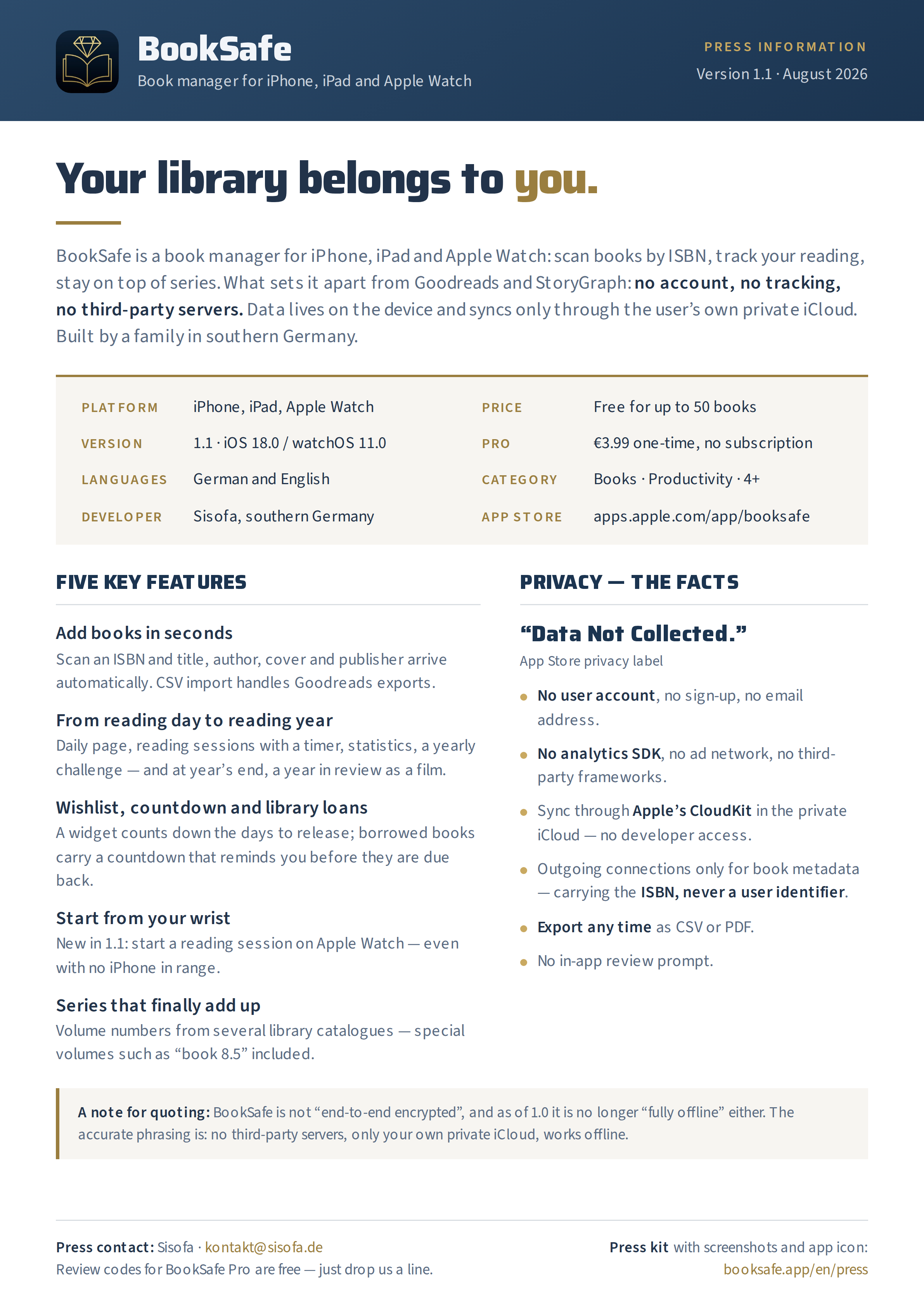
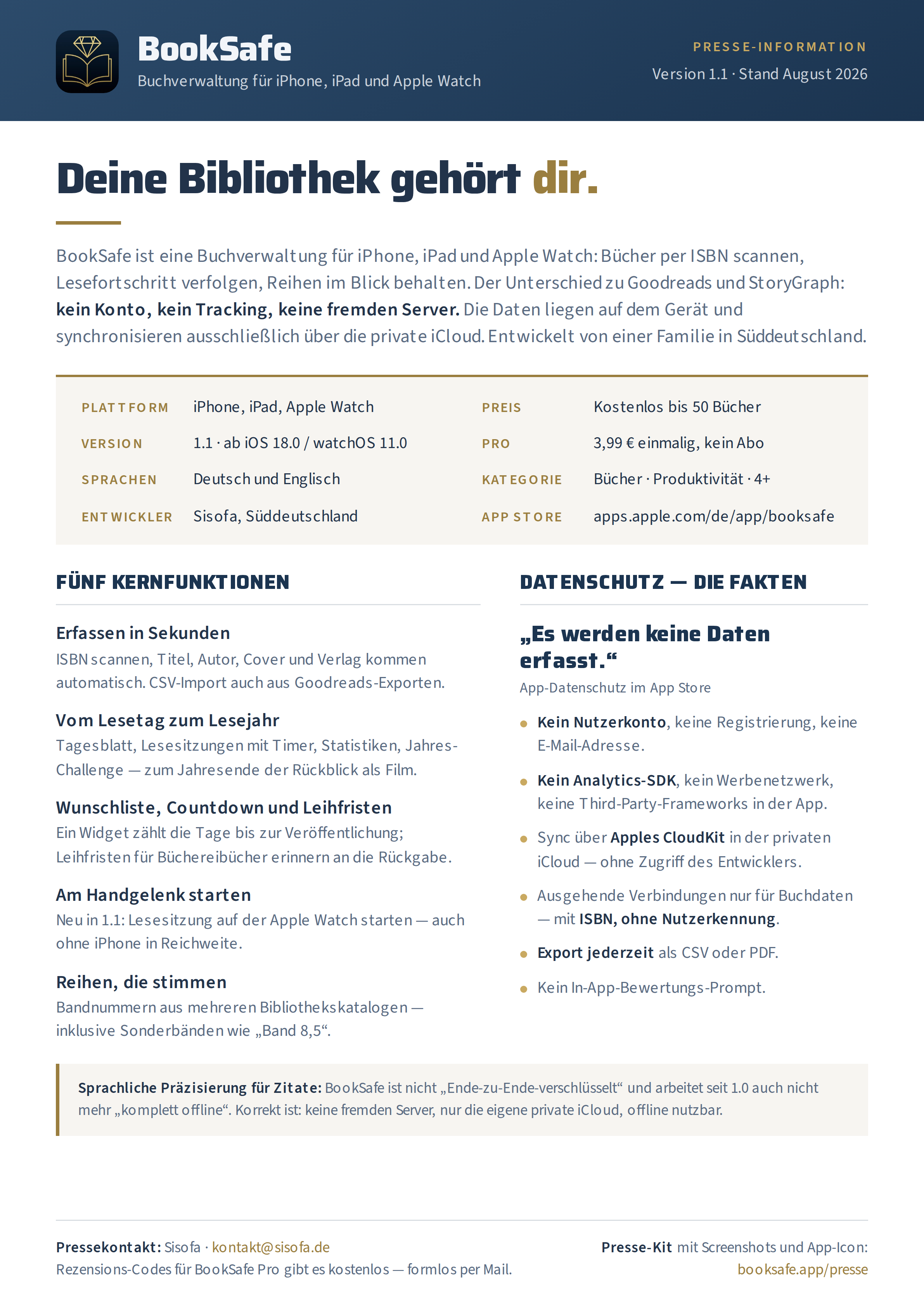
Press information on a single page
BookSafe-Press-Onepager.pdf — A4, one page, selectable text. Key facts, core features and privacy facts at a glance.
BookSafe-Press-Onepager.png — the same sheet as an image (2382 × 3369 px). German edition: PDF · PNG
App icon
app-icon-1024.png — App Store resolution (1024 × 1024 px)

Screenshots
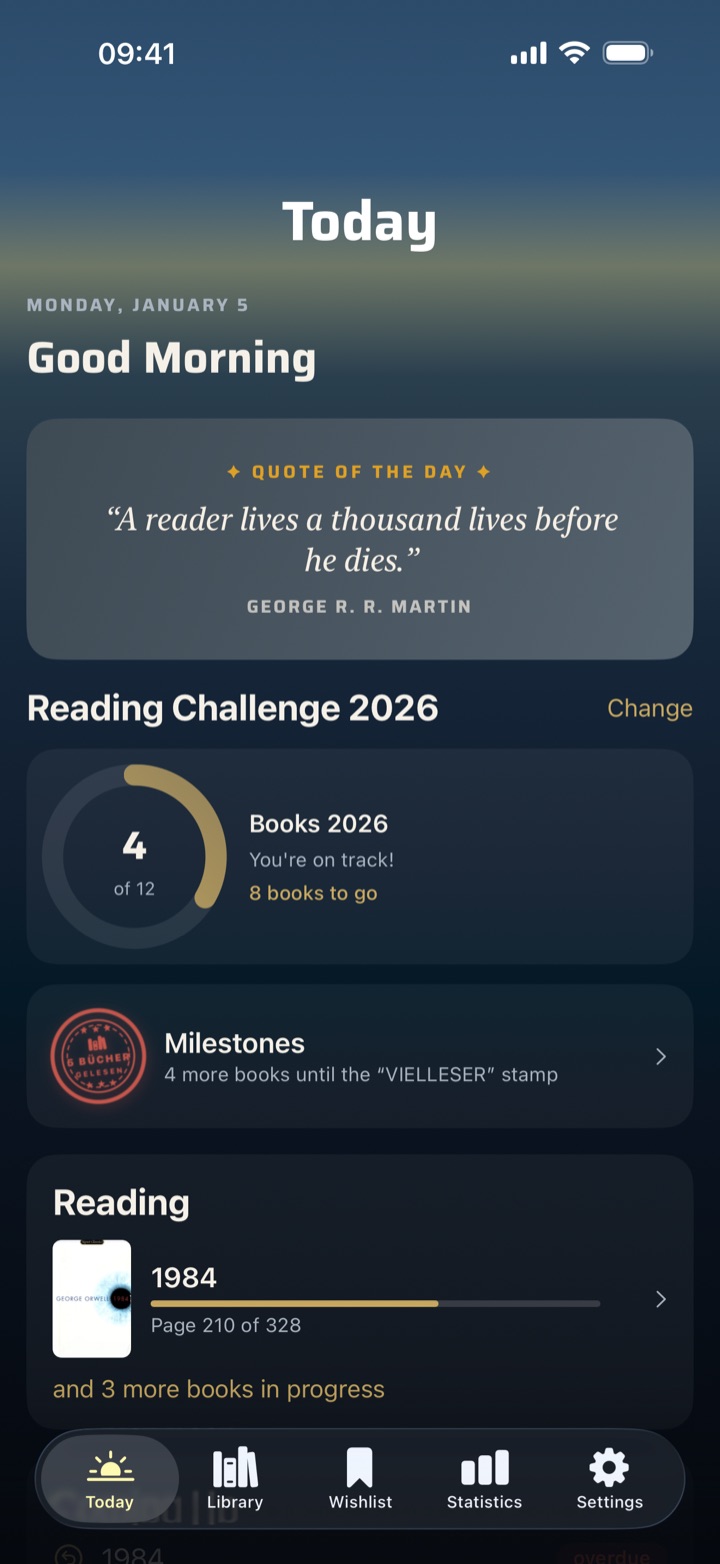
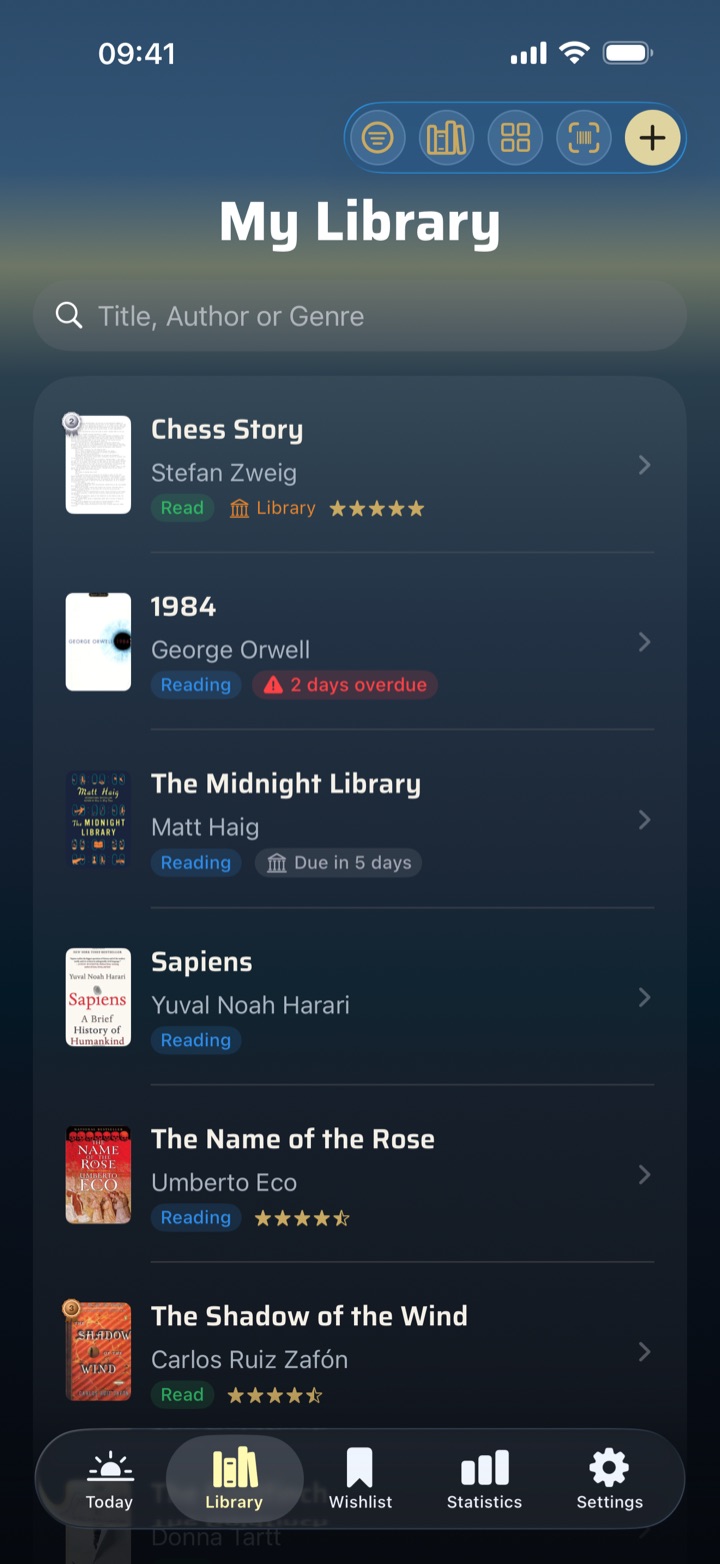
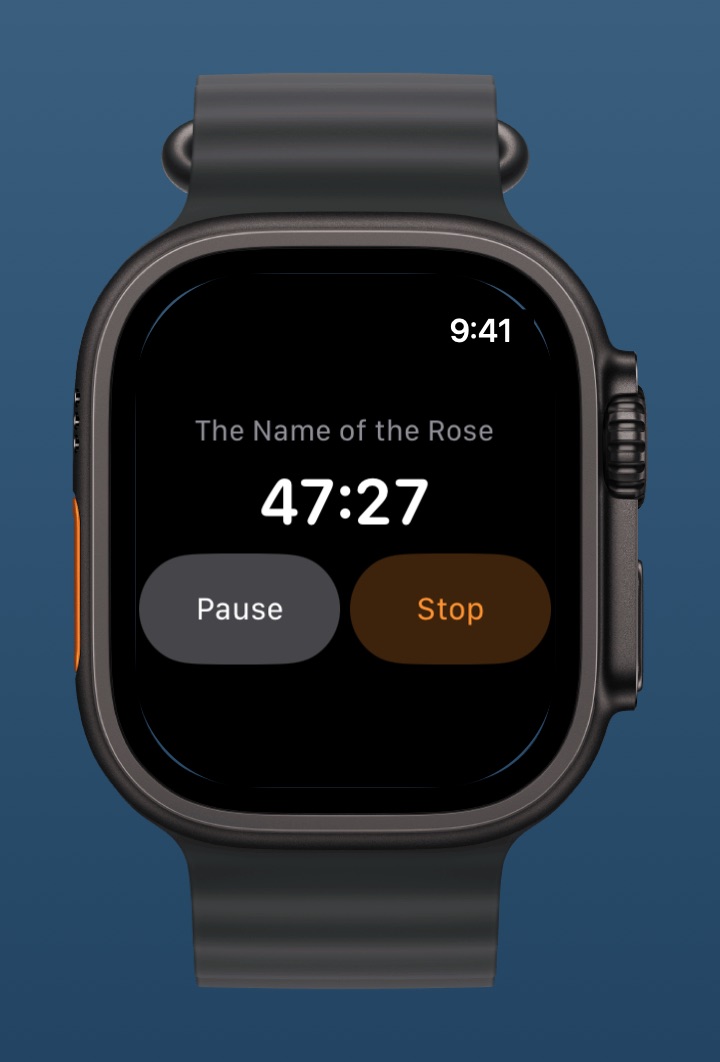
German versions of the same screens, iPad shots and unframed originals are available on request — just send a short email.
Contact & review codes
Review codes for BookSafe Pro are free for any publication or blog — just ask.
Instagram and TikTok: @booksafe.app